Mobile Apps
Flutter vs Native App Development: Which Should Your Business Choose?
One codebase isn't always the answer, but for many products Flutter is faster to build and easier to maintain. Here's how to decide.

Xevort Team
Zoho & technology experts
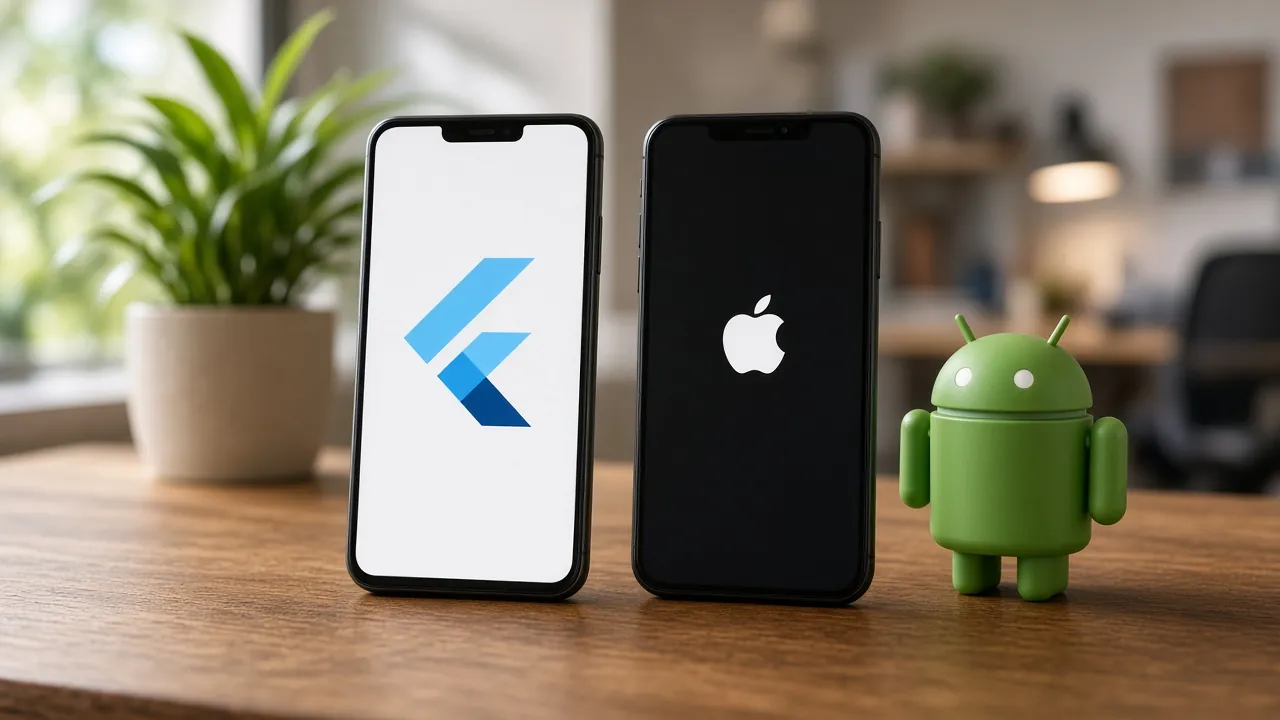
Choosing between Flutter and native development is one of the first and most expensive decisions in a mobile app project. Flutter lets one team build iOS and Android apps from a single codebase, while native development uses Swift for iOS and Kotlin for Android to build each platform separately.
This guide compares both approaches on cost, performance, user experience, time to market and long-term maintenance, explains when each option makes sense, and shares the questions we ask clients before recommending one.
Quick Answer
Is Flutter better than native app development?
Flutter is usually the better choice when you need iOS and Android apps quickly, on a controlled budget, with a consistent design on both platforms. Native development is better when your app depends heavily on platform-specific features, advanced device hardware or the highest possible performance, for example complex AR, intensive graphics or deep operating-system integrations.
Key Takeaways
- Flutter uses one Dart codebase for iOS and Android, which typically reduces build and maintenance effort.
- Native apps built with Swift and Kotlin give the deepest platform integration and maximum performance.
- For most business apps, such as booking, e-commerce, field service and portals, Flutter performance is more than sufficient.
- Decide based on features, budget, timeline and who will maintain the app, not on trends.
What Is Flutter?
Flutter is an open-source UI toolkit created by Google for building apps from a single codebase. Apps are written in the Dart programming language, and Flutter draws its own interface using its rendering engine, so screens look and behave consistently across devices.
Beyond iOS and Android, Flutter can also target web and desktop, which makes it attractive for companies that want to reuse logic and design across several platforms.
What Is Native App Development?
Native development means building a separate app for each platform using its official tools: Swift with SwiftUI or UIKit in Xcode for iOS, and Kotlin with Jetpack Compose in Android Studio for Android.
Native apps get immediate access to every new platform API and follow each operating system's design conventions by default. The trade-off is maintaining two codebases, which usually requires more development and testing effort.
Flutter vs Native: Side-by-Side Comparison
- Codebase
- FlutterOne shared codebase for iOS and AndroidNative (Swift / Kotlin)Separate codebase per platform
- Development cost
- FlutterTypically lower: one team and shared logicNative (Swift / Kotlin)Higher: two builds to design, develop and test
- Time to market
- FlutterFaster when launching on both platformsNative (Swift / Kotlin)Slower unless two teams work in parallel
- Performance
- FlutterSmooth for the vast majority of business appsNative (Swift / Kotlin)Best possible, especially for heavy graphics
- Platform features
- FlutterVia plugins, with custom native code when neededNative (Swift / Kotlin)Full, immediate access to new OS features
- UI consistency
- FlutterSame design on both platformsNative (Swift / Kotlin)Platform-native look and feel by default
- Maintenance
- FlutterOne set of features and fixesNative (Swift / Kotlin)Every change implemented twice
| Factor | Flutter | Native (Swift / Kotlin) |
|---|---|---|
| Codebase | One shared codebase for iOS and Android | Separate codebase per platform |
| Development cost | Typically lower: one team and shared logic | Higher: two builds to design, develop and test |
| Time to market | Faster when launching on both platforms | Slower unless two teams work in parallel |
| Performance | Smooth for the vast majority of business apps | Best possible, especially for heavy graphics |
| Platform features | Via plugins, with custom native code when needed | Full, immediate access to new OS features |
| UI consistency | Same design on both platforms | Platform-native look and feel by default |
| Maintenance | One set of features and fixes | Every change implemented twice |
When to Choose Flutter
Flutter is our default recommendation for many client projects because it balances quality, speed and cost. It's a strong fit when:
- You're launching an MVP and want to validate the idea on both platforms quickly. See how to scope a mobile app MVP.
- It's a business app such as booking, e-commerce, field service, CRM companion or customer portal.
- Brand consistency matters and you want the same design on iOS and Android.
- You have one team and want features to ship on both platforms at the same time.
- Budget is controlled and long-term maintenance cost is a priority.
When to Choose Native Development
Native development is worth the extra investment when your app's core value depends on the platform itself:
- Heavy device hardware: advanced camera processing, AR, complex Bluetooth or intensive background tasks.
- High-performance graphics: games, 3D, or real-time media editing.
- Deep OS integrations: home-screen widgets, watch apps, car integrations or the newest platform features on release day.
- Existing native teams: you already have iOS and Android specialists and established native codebases.
Cost and Timeline Considerations
For apps targeting both iOS and Android, Flutter often reduces total effort because the interface and business logic are shared. The actual saving depends on how much platform-specific work your app needs. Whichever approach you choose, these factors drive cost and timeline:
- Number of screens, user roles and features in the first release.
- Backend and APIs: authentication, data storage, notifications and admin panels.
- Integrations such as payments, maps, CRM or ERP systems.
- Design complexity, animations and accessibility requirements.
- Testing on real devices and different OS versions.
- App store preparation and review. See preparing for a smooth app store launch.
- Ongoing maintenance, OS updates and new features after launch.
- Discovery & scope
- UX/UI design
- Flutter or native build
- Backend & integrations
- Device testing
- App store launch
Testing, Release and Long-Term Maintenance
The framework decision also shapes how you test, release and maintain the app for years after launch. Plan these from the start rather than after the first version ships.
Automated Builds and Releases
With Flutter, one pipeline can build, test and package both the iOS and Android apps. Native projects need a pipeline per platform, which adds setup and upkeep. Either way, automating builds removes manual release steps. See our guide to CI/CD for small teams.
Testing on Real Devices
Shared code doesn't remove the need to test each platform. Check layouts, permissions, notifications and performance on real iOS and Android devices, including older mid-range phones your customers actually use.
Backend and Cloud Hosting
Most business apps depend on a backend for login, data, notifications and admin tools. A secure, well-monitored cloud setup matters as much as the app itself. Our article on cloud foundations covers the essentials.
Connecting the App to Your Business Systems
Field service, sales and customer apps often need to read and write data in a CRM such as Zoho CRM. Whichever framework you choose, plan these connections early so leads, orders and service updates flow into the systems your team already uses. See why businesses are moving to Zoho CRM.
Common Mistakes When Choosing a Mobile Approach
Choosing Based on Trends
Picking a technology because it's popular, rather than because it fits your features and team, often leads to costly rewrites.
Ignoring the Backend
The app is only half the product. APIs, databases, security and integrations often represent a large share of the effort, whichever framework you choose. Our API integrations guide explains how to plan them.
Underestimating Platform-Specific Work
Even with Flutter, some features need native code or platform-specific testing. Identify these early so they don't surprise you mid-project.
Forgetting Long-Term Maintenance
Operating systems update every year. Budget for ongoing maintenance from the start, not just the initial build.
How We Help Clients Decide
Before recommending Flutter or native, we work through a short set of questions with every client:
- Which features must the first version include, and which can wait?
- Do any features depend on special hardware or the newest OS capabilities?
- What is the launch timeline, and do both platforms need to launch together?
- Who will maintain the app after launch: an in-house team or a partner?
- Which systems must the app integrate with, such as Zoho CRM, payments or ERP?
The answers usually make the right choice clear. Learn more about our mobile app development services.
Frequently Asked Questions
Is Flutter good for large-scale apps?
Yes. Flutter is used for large, complex production apps. With a clean architecture, good state management and automated testing, it scales well for business apps with many screens, users and integrations.
Do Flutter apps feel native?
Well-built Flutter apps feel smooth and responsive, and Flutter includes widgets that follow both Material and iOS-style design. Most users can't tell the difference in everyday business apps.
Can a Flutter app use native features like camera, GPS and payments?
Yes. Flutter accesses device features through plugins, and developers can write custom native code in Swift or Kotlin for anything a plugin doesn't cover.
Is it cheaper to build an app with Flutter?
Usually, when you need both iOS and Android. Sharing one codebase reduces design, development and testing effort. The saving is smaller if the app requires a lot of platform-specific functionality.
Can we switch from native to Flutter later?
Yes. Flutter can be added to existing native apps screen by screen, so teams can migrate gradually instead of rewriting everything at once. Moving from Flutter to native is also possible but generally means rebuilding the app.
Conclusion
For most business apps, Flutter offers the best balance of speed, cost and quality, with one team, one codebase and a consistent experience on iOS and Android. Native development remains the right choice when your app's core value depends on deep platform features or maximum performance.
If you're planning a mobile app and aren't sure which approach fits, we'll review your requirements and recommend the option that gives you the best long-term result.
References

Written by
Xevort Team
Developers and Zoho consultants writing up practical lessons from client projects.
Want help applying this?
Tell us about your Zoho, product or cloud project and we'll suggest a sensible next step.