Mobile Apps
How to Scope a Mobile App MVP Without Overbuilding
Launch faster by focusing on the one job your app must do well. A practical guide to MVP scope, feature prioritization, timelines and testing with real users.

Xevort Team
Zoho & technology experts
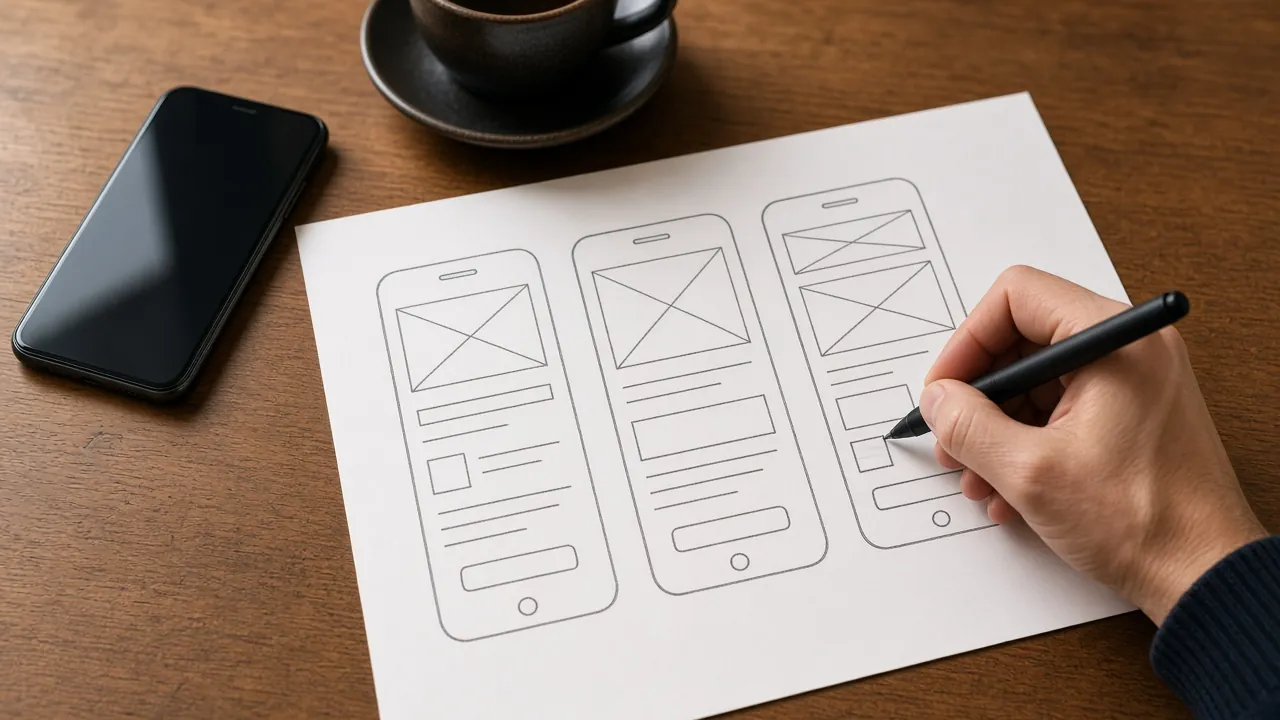
A mobile app MVP should prove that real users want your app. It shouldn't try to be the finished product. Yet many first releases run months late because the scope keeps growing. This guide shows how to scope a mobile app MVP that launches quickly: defining the core job and user, prioritizing features with the MoSCoW method, choosing technology, planning the backend and admin tools, and testing with real users.
It's written for founders, product owners and business teams planning their first app. We also share indicative timelines for common MVP types and the scoping mistakes that most often cause delays.
Quick Answer
How do you scope a mobile app MVP?
To scope a mobile app MVP, define one target user and the single core job the app must do for them, then list every feature and prioritize it as Must, Should, Could or Won't have. Build only the Must-haves plus the backend, admin tools and analytics needed to run and measure them, test with a small group of real users, and add features based on evidence.
Key Takeaways
- An MVP tests one core value proposition with real users. Treat it as a learning tool, not a cut-down version of everything.
- MoSCoW prioritization keeps scope honest: if the app works without a feature, it isn't a Must-have.
- Don't forget the invisible parts: backend, admin panel, analytics and store compliance often take as long as the screens.
- Ship to a small group first, measure real usage, then decide what to build next.
What a Mobile App MVP Is (and Isn't)
A minimum viable product is the smallest version of your app that delivers real value to a specific user and lets you learn whether the idea works. It must be usable, stable and polished enough that people judge the concept, not the bugs.
An MVP is not:
- A prototype or clickable mockup. Those test design, not real behavior.
- A buggy beta. A poor experience gives you false negative feedback.
- Every planned feature built badly. It's fewer features built well.
- A throwaway. The architecture should support adding features later.
The goal is evidence. A good MVP answers a few specific questions (will this audience sign up, complete the core action and come back?) as quickly and cheaply as possible.
Start With One Core Job and One User
A well-scoped MVP starts with a sharp answer to two questions: who is the first user, and what job do they hire the app to do? Write it as one sentence, for example: a salon customer wants to book an appointment in under a minute without calling.
That sentence becomes the filter for every feature decision. Anything that doesn't help that user complete that job is a candidate for a later release. If you have several user types, such as customers, staff and admins, pick the one whose behavior you most need to validate and keep the others to the minimum required.
Prioritize Mobile App MVP Features With MoSCoW
MoSCoW is a prioritization method from the DSDM agile framework. Each feature gets one of four labels:
- Must have: without it, the release has no point. The DSDM test: if there's any workaround, even a manual one, it isn't a Must.
- Should have: important and valuable, but the app still works without it for now.
- Could have: nice to include if time allows; the first to drop if the schedule slips.
- Won't have this time: explicitly out of scope for this release, which keeps everyone focused.
DSDM guidance suggests keeping Must-haves to typically no more than about 60% of the effort, so the rest acts as contingency. Here's how that might look for an example appointment-booking app:
- Browse services and book a slot
- PriorityMust haveReasonThis is the core job the MVP exists to test
- Phone OTP sign-in
- PriorityMust haveReasonBookings need to be tied to a reachable customer
- Admin panel to manage slots and bookings
- PriorityMust haveReasonStaff need to run the service from day one
- Push reminders before appointments
- PriorityShould haveReasonReduces no-shows, but SMS or calls work as a stopgap
- Online payment at booking
- PriorityShould haveReasonUseful, but paying at the venue validates demand first
- Reviews and ratings
- PriorityCould haveReasonNeeds enough users before it adds value
- Loyalty points
- PriorityWon't have this timeReasonA retention feature to build once people are booking
- In-app chat with staff
- PriorityWon't have this timeReasonAdds support overhead before demand is proven
| Feature | Priority | Reason |
|---|---|---|
| Browse services and book a slot | Must have | This is the core job the MVP exists to test |
| Phone OTP sign-in | Must have | Bookings need to be tied to a reachable customer |
| Admin panel to manage slots and bookings | Must have | Staff need to run the service from day one |
| Push reminders before appointments | Should have | Reduces no-shows, but SMS or calls work as a stopgap |
| Online payment at booking | Should have | Useful, but paying at the venue validates demand first |
| Reviews and ratings | Could have | Needs enough users before it adds value |
| Loyalty points | Won't have this time | A retention feature to build once people are booking |
| In-app chat with staff | Won't have this time | Adds support overhead before demand is proven |
How to Scope a Mobile App MVP Step by Step
- Define user and core job
- Map the critical user flow
- List and prioritize features
- Plan backend and admin
- Set success metrics
- Estimate and timebox
Start by mapping the critical flow screen by screen, from opening the app to completing the core job. Then list every feature anyone has suggested and run MoSCoW against it with the decision-maker in the room.
Before estimating, agree on success metrics: for example sign-up completion, core actions per user and week-four retention. Then fix the timebox and let scope, not the date, flex. When something new comes up mid-project, it goes on the Won't-have list unless something of equal size comes out.
Technology, Backend and Admin Needs
Flutter or Native?
For most MVPs that need iOS and Android, a cross-platform framework like Flutter lets one team ship both apps from a single codebase. Native development makes more sense when the product depends heavily on platform-specific features or performance. We compare both in Flutter vs native apps, and our mobile app development team builds with either.
Backend and APIs
Almost every app needs authentication, a database, file storage and push notifications. Managed cloud services handle much of this without building from scratch; see cloud foundations for startups. If the app must talk to existing systems such as your ERP, payments or booking software, plan those connections early with our API integrations guide.
Admin Tools You Actually Need
Someone has to manage users, content and orders behind the scenes. Keep the MVP admin simple. A basic web panel is usually enough. If your sales or service team already uses Zoho CRM, pushing new sign-ups and enquiries into it is often faster than building custom CRM features into the admin.
Test With Real Users Before and After Launch
Real usage beats long planning cycles. Put the app in front of a small group of target users as soon as the core flow works, then watch what they do rather than relying only on what they say.
- Beta channels: Apple's TestFlight and Google Play's internal and closed testing tracks let you distribute builds to selected testers.
- Google Play requirement: new personal developer accounts must run a closed test with at least 12 testers opted in for 14 consecutive days before applying for production access.
- Analytics and crash reporting: instrument the core flow from the first build so you can measure your success metrics.
- Short feedback loops: release small updates every week or two during the pilot.
Store review also has rules worth knowing before you build, such as account deletion and privacy disclosures. Our app store launch checklist covers them.
Indicative Mobile App MVP Timelines
Timelines depend on the number of user types, integrations and how quickly decisions are made. These ranges are indicative estimates, not fixed quotes.
- Simple single-user app
- Typical scopeSign-in, 5–8 core screens, basic backend and adminIndicative timeline6–10 weeks
- Transactional app
- Typical scopeBookings or orders, payments, notifications, admin panelIndicative timeline10–16 weeks
- Marketplace or multi-role app
- Typical scopeSeparate customer and provider flows, matching, payments, integrationsIndicative timeline16–24+ weeks
| MVP type | Typical scope | Indicative timeline |
|---|---|---|
| Simple single-user app | Sign-in, 5–8 core screens, basic backend and admin | 6–10 weeks |
| Transactional app | Bookings or orders, payments, notifications, admin panel | 10–16 weeks |
| Marketplace or multi-role app | Separate customer and provider flows, matching, payments, integrations | 16–24+ weeks |
Common MVP Scoping Mistakes
Building for Every User Type at Once
Supporting customers, vendors and admins with full feature sets multiplies scope. Validate one side first.
Treating Polish as Optional
Minimum refers to scope, not quality. A clunky core flow produces misleading feedback.
Forgetting the Invisible Work
Backend, admin, analytics, privacy policies and store listings all take time. Budget for them upfront.
No Success Metrics
Without agreed metrics, every result looks inconclusive. Decide what success means before you build.
Letting Scope Creep In Mid-Build
Every new idea delays the learning. Park it on the Won't-have list and revisit after launch.
Frequently Asked Questions
What is a mobile app MVP?
A mobile app MVP, or minimum viable product, is the smallest version of an app that delivers real value to a specific user and lets you test whether the idea works. It focuses on one core job, is stable enough for real use, and is designed to grow based on user feedback.
How long does it take to build a mobile app MVP?
Most mobile app MVPs take roughly 6 to 16 weeks from design to store submission, depending on scope. A simple single-user app sits at the lower end, while transactional apps with payments take longer. Marketplaces and multi-role apps can take five to six months or more.
Should an MVP be built for both iOS and Android?
It depends on your audience. If your users are split across both platforms, a cross-platform framework like Flutter lets you launch on iOS and Android from one codebase without doubling effort. If nearly all your target users are on one platform, starting there can be enough to validate the idea.
What features should a mobile app MVP include?
Include only the features needed for your target user to complete the core job, plus essentials such as sign-in, basic admin tools, analytics and crash reporting. Use MoSCoW prioritization: if the app still works without a feature, even with a manual workaround, it belongs in a later release.
What happens after the MVP launches?
After launch, measure the success metrics you agreed upfront, gather feedback from real users and fix friction in the core flow. Then use the evidence to prioritize the next release, often Should-have features from your original list, or new needs users reveal.
Conclusion
The best mobile app MVPs are focused, not small for the sake of it. Pick one user and one job, prioritize strictly with MoSCoW, and don't forget the backend and admin work that makes the app run. Then let real users tell you what to build next.
If you're planning an app and want a scope that launches on time, our mobile team can help you turn ideas into a prioritized MVP plan. Let's talk about your app.
References

Written by
Xevort Team
Developers and Zoho consultants writing up practical lessons from client projects.
Want help applying this?
Tell us about your Zoho, product or cloud project and we'll suggest a sensible next step.