Zoho
Zoho One Explained: What's Included, How Pricing Works and Is It Worth It?
Zoho One bundles 50+ business apps under one license. Here's what's included, how pricing models work, who it suits and how to roll it out in phases.

Xevort Team
Zoho & technology experts
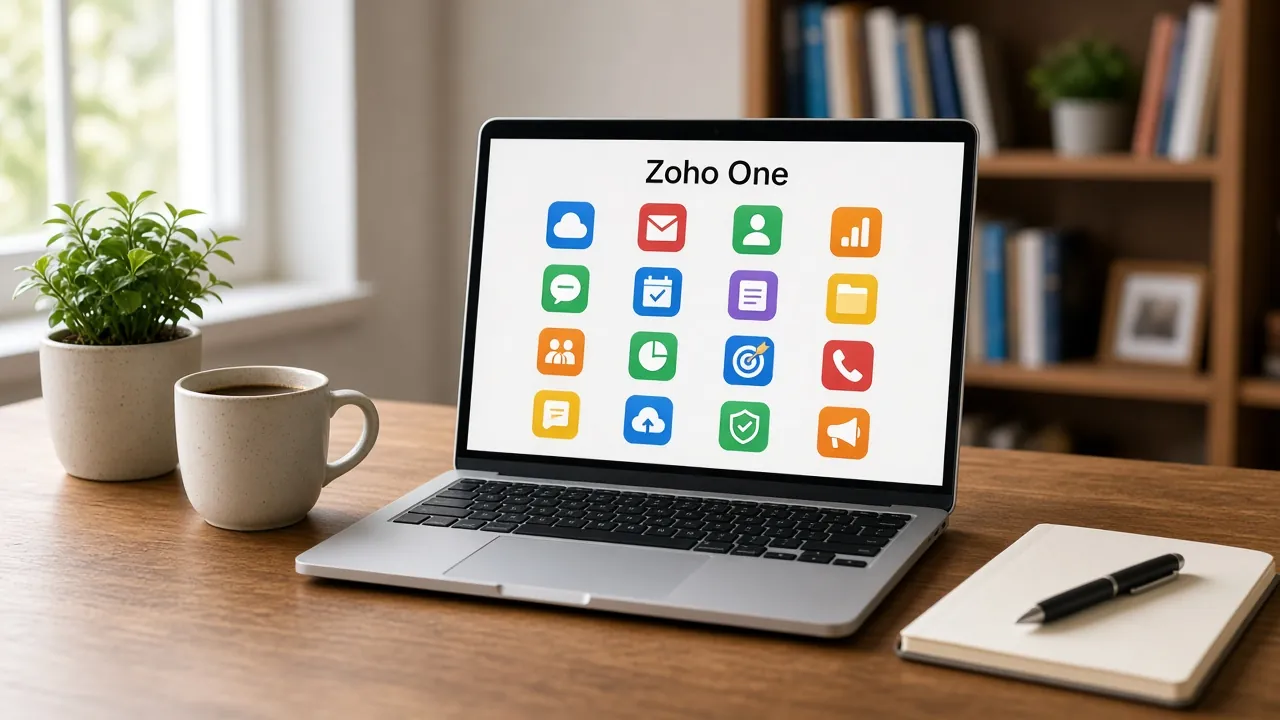
Zoho One is Zoho's all-in-one suite: a single license that gives your team access to the company's wider range of business apps, from CRM and accounting to HR, support and custom app building. The pitch is simple: one platform, one admin console, one invoice. The real question for most business owners is whether it's worth it compared with buying only the apps they need.
This guide explains what Zoho One includes by business function, how its pricing models work, when it beats individual apps, a phased rollout plan, the most common mistakes, and indicative rollout scopes.
Quick Answer
What is Zoho One and is it worth it?
Zoho One is a bundled suite of 50+ Zoho business apps covering sales, marketing, finance, support, HR, operations and custom apps, managed from one admin panel with single sign-on. It's usually worth it when you'll actively use several Zoho apps across departments. If you only need one or two, buying individual apps is often simpler and cheaper.
Key Takeaways
- Zoho One bundles 50+ apps with central user management, single sign-on and one invoice.
- Pricing comes in two models: all-employee licensing for the whole company or flexible licensing for selected users.
- It pays off when several departments will use connected Zoho apps, not when you need just one or two.
- Roll it out in phases. Switching on every app at once is the most common and expensive mistake.
What Is Zoho One?
Zoho describes Zoho One as a unified platform of 50+ business applications that help different parts of a company work and collaborate. Instead of buying CRM, accounting, help desk and HR software separately, you license one suite and assign apps to people as needed.
What makes it more than a bundle is the shared administration layer. Zoho Directory, included with Zoho One, provides:
- Admin panel: one place to add users, assign apps and manage permissions.
- Single sign-on: staff use one Zoho login across the apps they're assigned.
- Active Directory sync: for companies that already manage users centrally.
- Conditional app assignment: give apps to people based on department or role.
- Usage stats and reports: see which apps are actually being used.
- Device management: mobile app and device management features for company devices.
Platform tools such as Zoho Creator for custom apps, Zoho Analytics for reporting and Zoho Flow for integrations are also part of the suite, which is what lets you connect and extend the other apps.
What's Included in Zoho One by Business Function
The exact app list evolves and some apps vary by country, so always check Zoho's plan details page. Here is how the main apps map to business functions:
- Sales
- Key appsCRM, Bigin, SalesIQ, BookingsTypical useLeads, deals, website chat and appointment scheduling
- Marketing
- Key appsMarketing Automation, Campaigns, Social, Forms, SurveyTypical useEmail campaigns, journeys, social posting and lead capture
- Finance
- Key appsBooks, Invoice, Expense, Billing, CheckoutTypical useAccounting, invoicing, expenses, subscriptions and payments
- Support
- Key appsDesk, Assist, LensTypical useTicketing, remote support and visual assistance
- HR
- Key appsPeople, RecruitTypical useEmployee records, attendance, leave and hiring
- Operations
- Key appsProjects, Sprints, InventoryTypical useProject delivery, agile work and stock management
- Custom apps and data
- Key appsCreator, Analytics, Flow, DataPrepTypical useCustom apps, cross-app dashboards and integrations
- Collaboration
- Key appsMail, Cliq, WorkDrive, Meeting, SignTypical useEmail, team chat, files, video meetings and e-signatures
| Function | Key apps | Typical use |
|---|---|---|
| Sales | CRM, Bigin, SalesIQ, Bookings | Leads, deals, website chat and appointment scheduling |
| Marketing | Marketing Automation, Campaigns, Social, Forms, Survey | Email campaigns, journeys, social posting and lead capture |
| Finance | Books, Invoice, Expense, Billing, Checkout | Accounting, invoicing, expenses, subscriptions and payments |
| Support | Desk, Assist, Lens | Ticketing, remote support and visual assistance |
| HR | People, Recruit | Employee records, attendance, leave and hiring |
| Operations | Projects, Sprints, Inventory | Project delivery, agile work and stock management |
| Custom apps and data | Creator, Analytics, Flow, DataPrep | Custom apps, cross-app dashboards and integrations |
| Collaboration | Mail, Cliq, WorkDrive, Meeting, Sign | Email, team chat, files, video meetings and e-signatures |
For most companies, the core is CRM plus finance plus one or two departmental apps. You can read more about the anchor apps in our guides to why businesses move to Zoho CRM, Zoho Books GST compliance in India and setting up Zoho Desk for customer support.
How Zoho One Pricing Works
Zoho One isn't priced per app. Zoho's pricing FAQ describes two licensing models for the main plan:
- All-employee pricing: a lower per-employee rate, but you must license every employee on payroll, whether or not they use the apps daily.
- Flexible user pricing: a higher per-user rate, but you license only the people who need access, with no minimum.
All-employee pricing tends to make sense when most of your staff will use at least one app, for example HR self-service, team chat or email. Flexible pricing suits companies where only a sales, finance or operations group needs the software. With flexible pricing, Zoho also allows you to license other Zoho apps separately for other users.
Zoho's pricing page also lists a lighter Essentials edition with a smaller set of apps, and options can differ by region and billing cycle.
Zoho One vs Buying Individual Zoho Apps
The decision usually comes down to how many apps you'll genuinely use and how many people need them.
- App coverage
- Zoho One50+ apps across departmentsIndividual appsOnly the apps you buy
- Administration
- Zoho OneOne admin panel, SSO and directoryIndividual appsManaged app by app
- Billing
- Zoho OneOne license, one invoiceIndividual appsSeparate subscriptions per app
- Cost efficiency
- Zoho OneStrong when several apps are usedIndividual appsStrong when only one or two apps are needed
- Edition depth
- Zoho OneBundled editions defined by ZohoIndividual appsChoose the exact edition per app
- Best for
- Zoho OneMulti-department SMBs standardizing on ZohoIndividual appsTeams solving one specific problem
| Factor | Zoho One | Individual apps |
|---|---|---|
| App coverage | 50+ apps across departments | Only the apps you buy |
| Administration | One admin panel, SSO and directory | Managed app by app |
| Billing | One license, one invoice | Separate subscriptions per app |
| Cost efficiency | Strong when several apps are used | Strong when only one or two apps are needed |
| Edition depth | Bundled editions defined by Zoho | Choose the exact edition per app |
| Best for | Multi-department SMBs standardizing on Zoho | Teams solving one specific problem |
Is Zoho One Worth It for Your Business?
Signs Zoho One Is a Good Fit
- You plan to run sales, finance and at least one other department on Zoho.
- You're paying for several disconnected tools that Zoho apps could replace.
- You want one directory, single sign-on and central control over who can access what.
- You need custom apps or cross-department dashboards, not just standard modules.
Signs Individual Apps Are Better
- You only need a CRM or only accounting for now.
- Most employees would never log in, and only a small team needs software.
- You're committed to non-Zoho tools in key areas and don't plan to switch.
- You need a higher edition of one app than the bundle provides.
A Phased Zoho One Rollout Plan
Zoho One gives you access to everything on day one, but your team can only absorb so much change at a time. We recommend rolling it out in phases around business priorities.
- Discovery and app selection
- Directory, users and SSO
- Core apps: CRM and finance
- Departmental apps
- Integrations and custom apps
- Dashboards and optimization
Phase 1: Foundations
Map current tools, decide which apps replace them, set up the directory, groups and app assignments, and connect your domain and email if needed.
Phase 2: Core Revenue Apps
Launch CRM and Books first, because they hold your customers, deals and invoices. Get data clean and the team trained before moving on.
Phase 3: Expand and Connect
Add Desk, People, Projects or Inventory based on priority, then connect them and fill gaps with custom apps. See our guide to building custom apps with Zoho Creator. Finish with Analytics dashboards that combine data across apps.
Common Zoho One Mistakes
Turning On Everything at Once
Assigning every app to everyone on day one creates confusion, duplicate data and low adoption. Start with the apps that solve your biggest problems.
Skipping Directory and Access Design
Poorly planned groups and permissions lead to people seeing data they shouldn't, or missing access they need. Design roles before inviting users.
Choosing the Wrong Licensing Model
Picking all-employee pricing when only a small team uses the apps, or flexible pricing when nearly everyone does, can cost more than necessary. Model both before buying.
Ignoring Integration Between Apps
The value of Zoho One is connected data. If CRM, Books and Desk are configured in isolation, you end up with the same silos you had before.
Indicative Zoho One Rollout Scopes
Timelines depend on the number of departments, data migration and custom requirements. These ranges are indicative for a typical Zoho One implementation:
- Focused start
- Typical scopeDirectory setup, CRM and Books, data import, basic automationIndicative timeline3–5 weeks
- Multi-department rollout
- Typical scopeCore apps plus Desk, People or Projects, integrations and trainingIndicative timeline6–10 weeks
- Full operating system
- Typical scopeSeveral departments, Creator apps, Analytics dashboards, custom integrationsIndicative timeline10–16+ weeks
| Rollout type | Typical scope | Indicative timeline |
|---|---|---|
| Focused start | Directory setup, CRM and Books, data import, basic automation | 3–5 weeks |
| Multi-department rollout | Core apps plus Desk, People or Projects, integrations and training | 6–10 weeks |
| Full operating system | Several departments, Creator apps, Analytics dashboards, custom integrations | 10–16+ weeks |
Frequently Asked Questions
How many apps are included in Zoho One?
Zoho describes Zoho One as including 50+ business applications across sales, marketing, finance, support, HR, operations, collaboration and custom app development. The exact list changes over time and some apps vary by country, so check Zoho's plan details page for the current lineup.
What is the difference between all-employee and flexible user pricing?
All-employee pricing offers a lower per-person rate but requires licenses for every employee on payroll. Flexible user pricing costs more per user but lets you license only the people who need access, with no minimum. The right choice depends on how many staff will actually use the apps.
Is Zoho One good for small businesses?
Yes, if the business will use several Zoho apps across departments, such as CRM, accounting and support. For a small team that only needs one app, buying it individually is often simpler. Zoho One works best when you want connected data and one admin console.
Can we migrate from individual Zoho apps to Zoho One?
Yes. Zoho's pricing FAQ explains that existing customers can start a Zoho One trial, add the apps they already use and then upgrade, with billing consolidated onto a single payment date. It's still worth planning user assignments and any edition differences between your current apps and the bundle.
How long does a Zoho One implementation take?
A focused start with CRM and Books typically takes three to five weeks. Multi-department rollouts usually take six to ten weeks, and full deployments with custom apps and dashboards can run three to four months or more, depending on data, integrations and training needs.
Conclusion
Zoho One is one of the most complete business software bundles available to growing companies, but its value depends on how many apps you actually adopt. Treat it as a platform you grow into, not a switch you flip.
If you're weighing Zoho One against individual apps, start by mapping your departments and priorities. Our Zoho team can help you choose the right licensing model and plan a phased rollout.
References

Written by
Xevort Team
Developers and Zoho consultants writing up practical lessons from client projects.
Want help applying this?
Tell us about your Zoho, product or cloud project and we'll suggest a sensible next step.